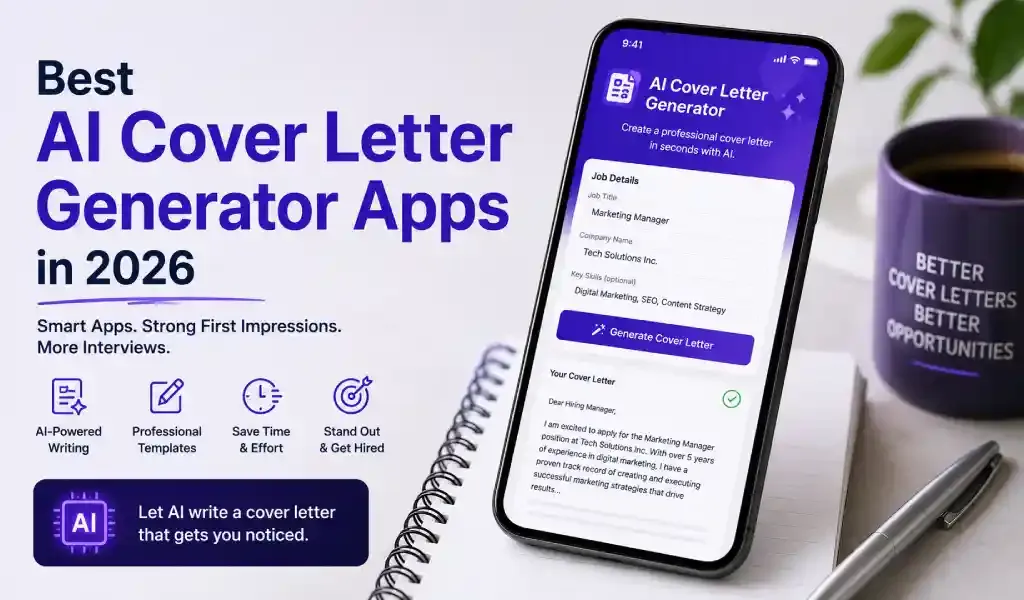
Dozens of apps claim to write your cover letter in seconds. Few explain what you actually get, or where the draft still falls short.
Quick answer: ChatGPT is the free, flexible baseline. Kickresume and Resume.io focus on templates that match your resume. Teal is built for people tracking dozens of applications at once. Canva wins on visual design. Cover Letter AI & Resume Maker stands out if you need more than a cover letter, think SOPs, proposals, and resignation letters, all in one place. The right pick depends on what you're applying for, not which homepage looks flashiest.
Here's how they actually compare, feature by feature.
Key Takeaways
- No single tool wins every category. Match the tool to your situation, not the marketing.
- General chatbots are flexible but produce generic drafts without careful prompting.
- Template-matching tools help design consistency, not writing quality.
- Job trackers like Teal pay off most once you're applying to 10+ roles at once.
- Multi-document apps save the most time if you also need SOPs, proposals, or formal letters.
What Actually Makes a Cover Letter Generator Good
Not every "AI cover letter tool" does the same job. Before comparing apps, it helps to know what to look for.
- Job description input. A tool that reads the actual posting produces a far more relevant draft than one working from a job title alone.
- Resume integration. Pulling from your real experience beats retyping everything by hand.
- ATS-safe formatting. Clean, single-column output that applicant tracking software can actually parse.
- Editable output. A draft you can rewrite freely, not a locked template.
Keep these four in mind. They explain most of the differences below.
Comparing the Top AI Cover Letter Tools
| Tool | Best For | Free Tier | Watch Out For |
|---|---|---|---|
| ChatGPT | Fast, flexible drafts | Yes | No formatting, ATS structure, or saved job context |
| Kickresume | Matching resume + letter design | First letter free | Locked to Kickresume's own templates |
| Resume.io | Clean, modern builder | Limited | Output quality depends on your prompting |
| Teal | Tracking many applications | Yes | Cover letter tool requires setup first |
| Canva | Visual, creative-role letters | Yes | Heavy formatting risks ATS parsing |
| Cover Letter AI & Resume Maker | Multi-document job search | Yes (limited) | iOS only |
ChatGPT
ChatGPT writes fast, and it's free. That's the appeal. But it's a general model, not a career tool. It won't format your letter, check ATS compatibility, or remember your resume between sessions unless you paste everything in each time. We actually tested this. Our breakdown of what ChatGPT got wrong writing a real cover letter shows exactly where it invented details that weren't true.
Kickresume
Kickresume's strength is design consistency. Your cover letter template matches your resume template automatically, and the AI draft, built on GPT, is a solid first pass. Pricing is friendly too: your first letter is free, and premium runs around $7 a month, less for students. The catch: everything lives inside Kickresume's own ecosystem, so you're working within its templates and account structure rather than a flexible standalone document.
Resume.io
Resume.io's builder is clean and modern, with a straightforward step-by-step flow from resume to matching cover letter. But independent reviews consistently note the same limitation: output quality depends heavily on how much detail you feed the prompt. Skip the specifics, and the draft reads generically, the same problem as any AI tool given a thin prompt.
Teal
Teal isn't really a cover letter tool first. It's a job search operating system, with a job tracker, Chrome extension, contact CRM, and resume builder built around it. The cover letter generator only works after you've built a resume and added a job listing inside Teal, and you can adjust tone and length once both exist. Worth the setup if you're applying to many roles at once and want everything in one dashboard. Overkill if you just need one letter today.
Canva
Canva produces the most visually striking letters on this list, genuinely useful for design, marketing, and other creative roles where presentation is part of the pitch. The tradeoff: heavy graphics and multi-column layouts are exactly what applicant tracking software struggles to parse correctly. For more on why that matters, see our breakdown of cover letter and resume statistics for 2026.
Cover Letter AI & Resume Maker
Most tools on this list handle one document. This app covers the rest of the job search too: resumes, cover letters, statements of purpose, freelance proposals, and resignation or thank-you letters, in multiple languages, using ATS-friendly templates. That range matters most for students, academic applicants, and freelancers juggling several document types at once. It's currently iOS only, and like any AI draft, it still benefits from a personal pass before sending. Here's how to personalize an AI-generated cover letter properly.
Which One Should You Actually Use?
Applying to one or two roles? ChatGPT or a free tier is enough.
Applying to dozens, and want everything tracked? Teal earns its setup time.
Need your resume and letter to look like a matched set? Kickresume.
Going for a design-forward or creative role? Canva.
Need more than a cover letter, an SOP, a proposal, a formal letter, in one place? That's the gap multi-document apps close.
None of these tools replace judgment. They shorten the blank-page problem, not the thinking. Whichever tool you start with, the draft is step one. Personalization is what actually gets replies.
Frequently Asked Questions
What is the best free AI cover letter generator? ChatGPT is the most flexible free option, though it needs more manual prompting than a dedicated cover letter app.
Are AI cover letter generators actually good? They're a strong starting point. The best ones pull from your resume and the job description, but every draft still needs a personal edit before sending.
Do AI cover letter apps hurt ATS compatibility? Some do. Heavily designed templates with graphics or multi-column layouts can confuse applicant tracking software. Simple, clean formatting parses more reliably.
Can one app handle both my resume and cover letter? Yes. Most tools on this list, including Kickresume, Teal, and Cover Letter AI & Resume Maker, build both from the same profile so formatting stays consistent.
Is it worth paying for a cover letter generator? Only if you're applying often enough to need speed, or need document types beyond a basic letter. Occasional applicants can usually get by on free tiers.
Comparison based on publicly available product information as of August 2026. Pricing and features change, check each tool directly before subscribing.