 Cover Letter AI & Resume Maker
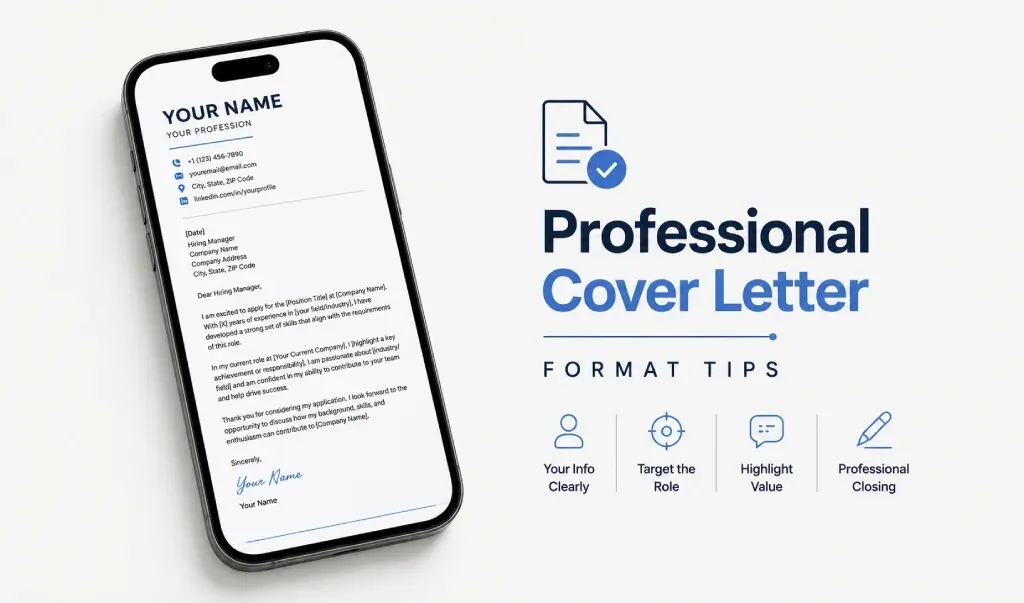
For most applications, use a plain professional font at 11 to 12 point, one-inch margins on all sides, single spacing and a length of one page. Save the letter as a PDF unless the employer asks for Word, and name the file with your name and the document type. The steps below take about five minutes.
This guide covers settings only. The order of the parts is in our guide to the cover letter format, and short, email and online-form versions are in the modern cover letter format guide.
Key Takeaways
- Use one plain, professional font at 11 to 12 point, the same one as your resume.
- Set margins to one inch on all sides and keep the letter to one page.
- Single-space the text and leave a blank line between paragraphs.
- Send a PDF unless the posting asks for Word.
- Name the file with your name and "Cover Letter", then open it once before you send it.
What Font, Size and Margins Should a Cover Letter Use?
The Missouri State University Career Center asks for a professional font, preferably the one on your resume, at 11 to 12 point, with one-inch margins and a single page. The MVCC Career Development Center gives similar numbers: about 12 point, one-inch margins, single spacing and one page. Neither guide names a specific typeface.
Here is the cheat sheet:
| Setting | Use this | Notes |
|---|---|---|
| Font | One plain, professional font | Match your resume. Arial, Calibri and Times New Roman are common choices |
| Size | 11 to 12 point | Use 12 if it fits, and 11 if you need the room |
| Margins | 1 inch on all sides | That is 2.54 cm if your software uses centimeters |
| Spacing | Single-spaced | One blank line between paragraphs |
| Length | One page | Three to five short paragraphs |
| Paper size | US Letter or A4 | Match the country you're applying in |
| File type | Word only if the posting asks for it | |
| File name | Your name plus the document type | For example, Maya_Torres_Cover_Letter.pdf |
These are conventions. If a posting gives its own rules, follow those.
How Do You Set Up the Page in Word, Google Docs and Pages?
Set the margins and font before you write, so you can see how much room you have. Menu names can shift between versions.
Word
- Open the Layout tab and choose Margins.
- Pick a preset, or choose Custom Margins and enter 1 inch for the top, bottom, left and right.
- On the Home tab, pick your font and set the size to 11 or 12.
Microsoft's help page says the default is one inch, so check before you change anything.
Google Docs
- Choose File, then Page setup.
- Under Margins, enter 1 in the top, bottom, left and right boxes. If your account uses centimeters, enter 2.54.
- Choose OK, then pick the font and size in the toolbar.
Pages on iPhone
- Tap the More button, then Document Options, then Document Setup.
- Tap More Options and drag the margin arrows to the width you want.
- Tap Done, then choose your font and size under the Format button.
Don't want to set up the layout by hand? Cover Letter AI & Resume Maker offers resume templates and fonts, and drafts cover letters from your inputs.
Should You Send a Cover Letter as a PDF or a Word File?
Follow the posting if it names a file type. If it doesn't, send a PDF. The layout stays fixed, so your spacing and margins look the same on every device. The Northeastern Illinois University career office prefers PDF for emailed applications, while Missouri State accepts either Word or PDF.
To save a PDF:
- Word: choose File, then Save As, and pick PDF as the file type.
- Google Docs: choose File, then Download, then PDF Document (.pdf).
- Pages on iPhone: tap the More button, then Export, then PDF.
Open the saved file and check that nothing moved and the text still fits on one page. If an application system rejects your file, our guide to PDF upload problems covers the usual causes.
If the employer uses an applicant tracking system, keep the layout plain: one column, no text boxes, no images. Our guide to ATS-friendly formatting covers resumes, and the same idea is a safe default for a cover letter.
What Should You Name the Cover Letter File?
Use your full name and the document type, joined with underscores or hyphens: Maya_Torres_Cover_Letter.pdf. NEIU's career office suggests a clear name such as FirstName_LastName_Resume.pdf.
Use the same pattern for your resume so the two files match, for example Maya_Torres_Resume.pdf. Skip words like "final" and version numbers like "v3".
What Should You Check Before You Send?
Run through this list once the letter is saved.
- The font and header match your resume, and the text fits on one page with one-inch margins.
- The company name, job title and hiring manager's name belong to this employer. A name left over from your last application is easy to miss.
- You read the letter aloud once and ran spell-check.
- The file is a PDF, or Word if the posting asked, with a clear name.
- It is attached as its own file, separate from your resume, unless the employer asked for one combined file.
- You opened the saved file on your phone or another device.
Related Reading
- Cover Letter Format: Structure, Template and Example: what goes in each part, with a template.
- Modern Cover Letter Format: Short, Email and Online Versions: short, email and online-form versions.
- Why Won't My PDF Upload? Common Causes and Quick Fixes: the usual causes when an upload fails.
- What Is an ATS-Friendly Resume? Rules and Examples: plain layouts that applicant tracking systems can read.
Sources: Missouri State University Career Center, "Cover Letters"; MVCC Career Development Center, "Cover Letter Writing"; Northeastern Illinois University Office of Career Development, "How To Email Your Resume and Cover Letter to Employers"; Microsoft Support, "Change margins"; Apple Support, "Set document margins in Pages on iPhone".
Once your structure is settled, Cover Letter AI & Resume Maker can generate the draft and export it as a PDF or Word file for you to finish. Free to download from the App Store for iPhone and iPad, with in-app purchases for some features. AI drafts can contain mistakes, so read and edit every line before you send it.
Frequently Asked Questions
What is the best font for a cover letter? Use a plain, professional font that matches your resume. The career center guides we checked don't name one typeface, but Arial, Calibri and Times New Roman are common, safe picks. Use a single font for the whole letter, between 11 and 12 point.
What margins should a cover letter have? One inch on all sides. Career centers recommend it, and it is the usual default in word processors. If the letter runs long, cut a sentence or two instead of squeezing the margins or shrinking the font.
How long should a cover letter be? One page, usually three to five short paragraphs. That is roughly 250 to 400 words at 11 or 12 point, though that range is our rule of thumb rather than a standard. If the employer names a length or character limit, follow it.
Should I send a cover letter as a PDF or a Word file? Follow the posting if it names a type. If it doesn't, PDF is the safer default because the layout stays fixed on any device. Send Word only when the posting asks for it, and keep both versions saved.
What should I name my cover letter file? Use your name and the document type, such as Maya_Torres_Cover_Letter.pdf. Avoid spaces, the word "final" and version numbers. Use the same pattern as your resume file, so the two documents are easy to match.